
Use a distance measurement to estimate fence runs and plan materials. Use an area measurement when you also need the size of the enclosed field.
Trace the fence
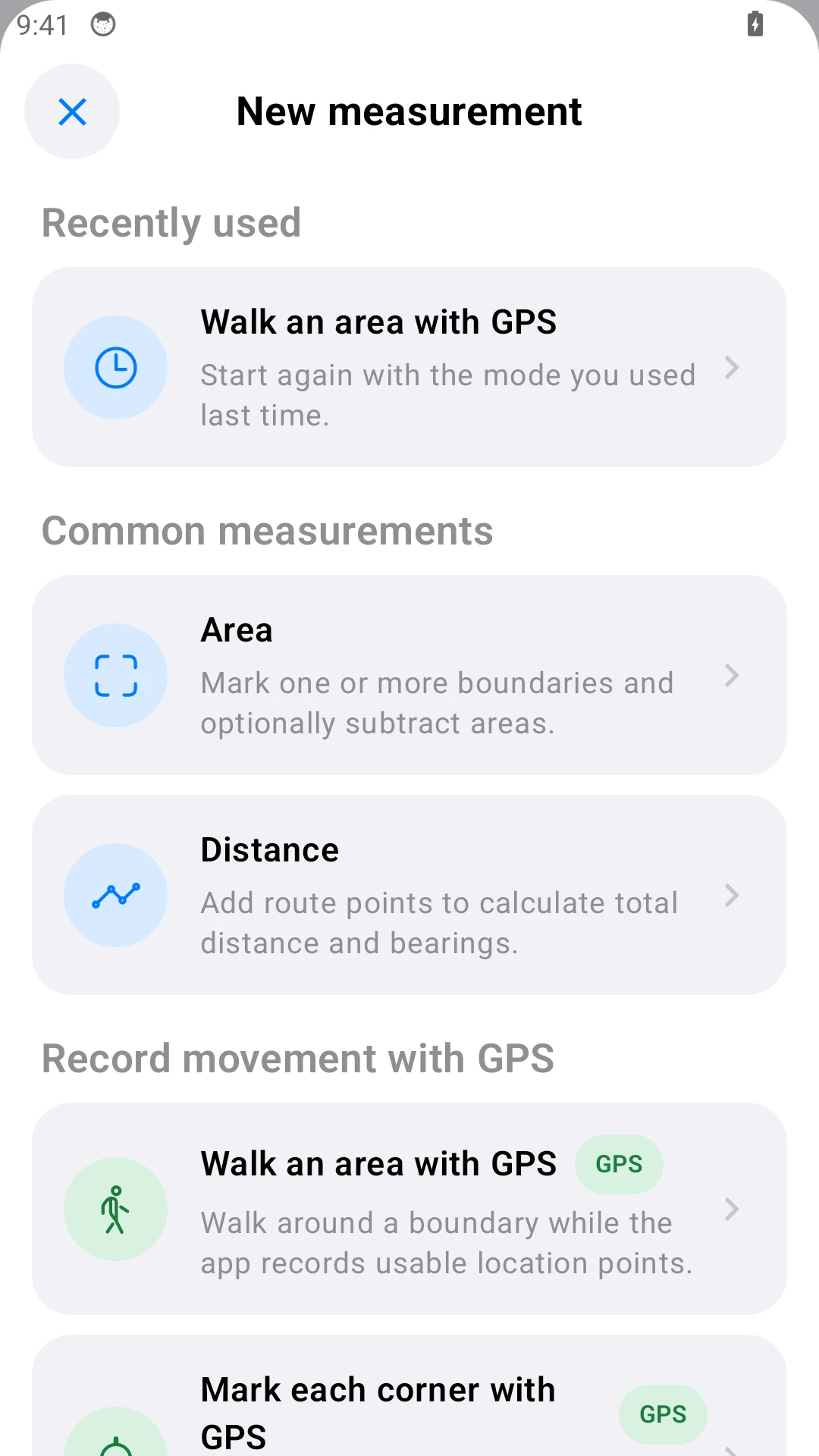
- Open New measurement and choose Distance.
- Add the start, each turn and the end. Add points where a curved fence changes direction.
- Check each segment and the total. Close the route only if fencing returns to the start.
- Save the result. Choose meters or feet in Settings.
Allow for gates
Measure each fence run separately, or deduct gate openings from the total. Example: a 240 m boundary with two 4 m gates needs 232 m of fence before waste and installation allowances. This is a calculation example, not a supplier quote.
Check which perimeter you are using
An area with holes has internal boundaries too. For the outside fence, measure the outer boundary separately so pond or building edges are not included.
Check on site
For a line hidden by trees, use Mark a line point by point with GPS and capture the start, turns and end on site. See GPS measuring. Map and GPS lengths are horizontal estimates; sloping ground and installation details can change material requirements.